

Artists and acts
Add each performer once, with a bio, genre, links and a photo. An act is whoever takes the stage: a band, a duo or a solo set, made up of one or more artists.
- Artist catalog
- Acts of one or more artists
- Reused every year
For teams producing multi-day, multi-stage music festivals. Book acts into a lineup, schedule sets across stages and days, map the grounds, and bring food, art and craft vendors and sponsors on board. One workspace for the crew, from the first booking to the last load-out.
Lineup and stages
Keep every artist and act in your own catalog, put acts on the festival's bill as headliners, featured or supporting acts, and schedule each performance on a stage at a set time. Next year's festival starts with the catalog you already have.
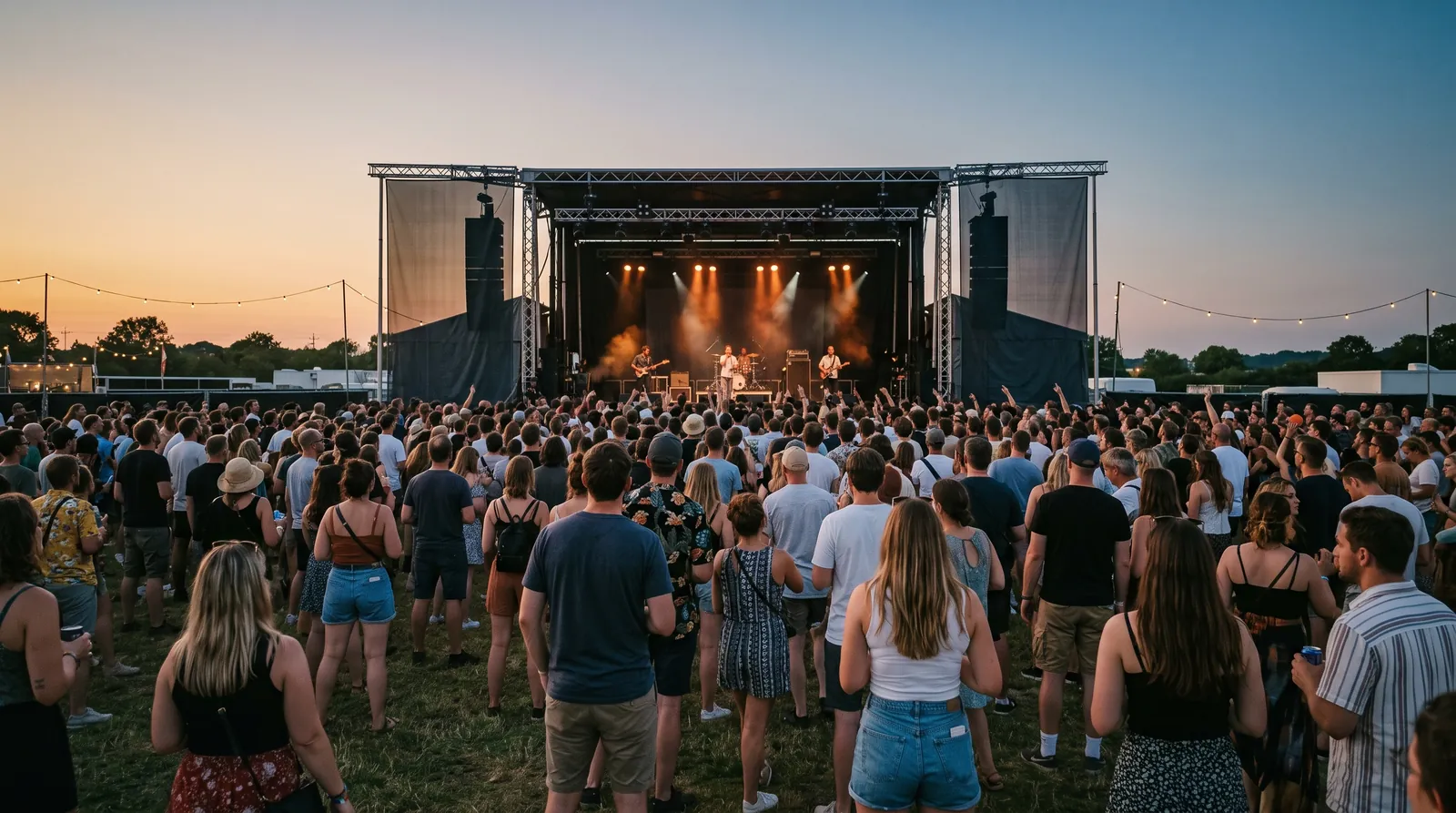
Add each performer once, with a bio, genre, links and a photo. An act is whoever takes the stage: a band, a duo or a solo set, made up of one or more artists.
Put acts from your catalog on this year's bill and mark how each one is billed, so the whole team works from the same answer to “who's playing?”
Schedule each set on a stage, with a start and end time inside the festival's dates. Two performances can't be booked onto the same stage at the same time.
The grounds
Pin every stage, food row, bar, restroom block, first aid tent, water station, entrance and parking lot on a map in your console. Nearby hotels and restaurants go on it too, and the same map goes live on your festival website.
Keep permanent places like the amphitheatre or the hotel you partner with every year, and add event-only ones like a pop-up stage or a row of portable toilets for this festival alone. Type an address to place a pin, or drag it to the exact spot on a field that has no address.
Read the site map guide →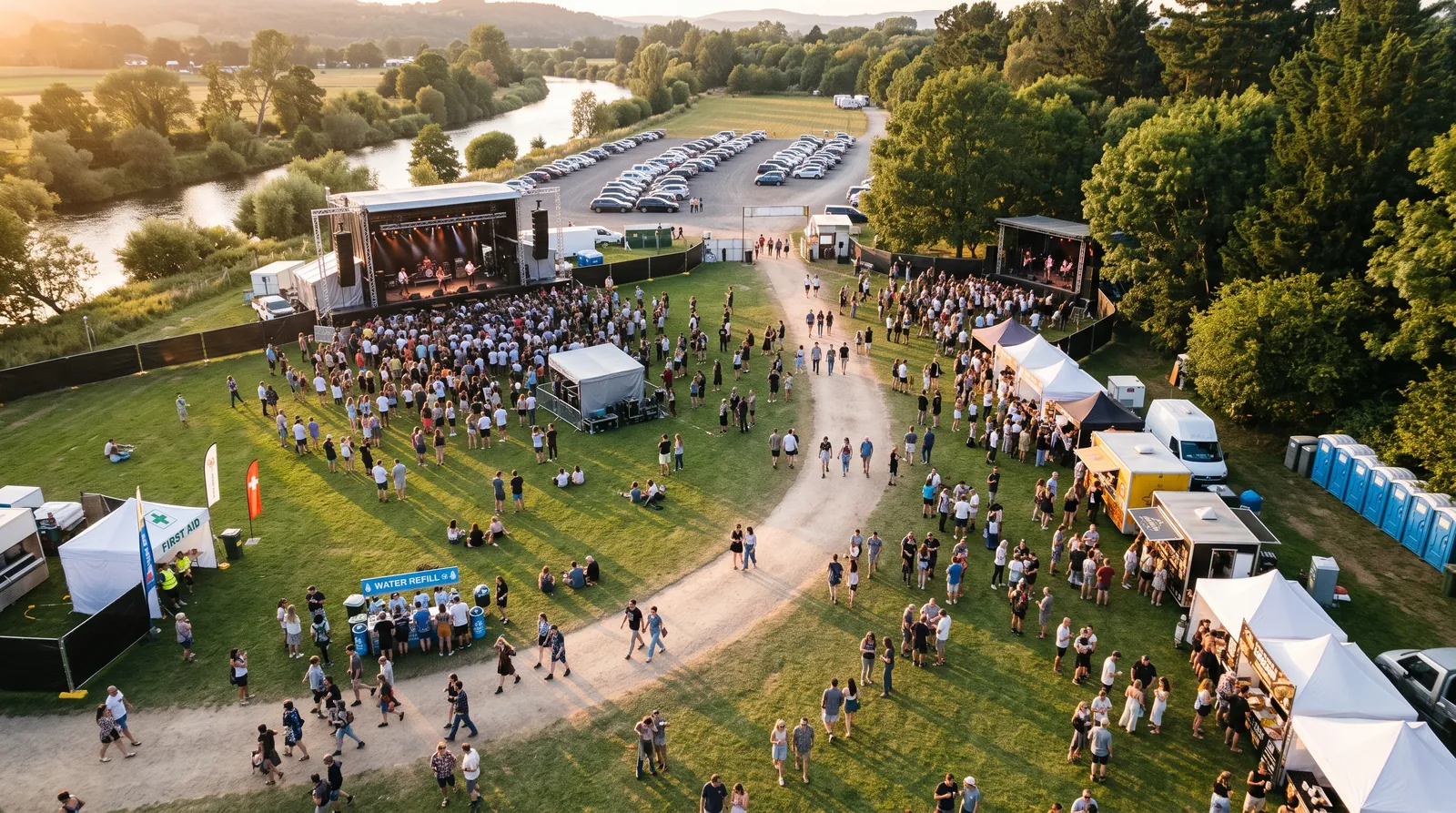
Keep your regular places and add them to each year's festival.
Pop-up stages, extra restrooms and first aid points belong to this event only.
Only venues on the event's map can host performances.
Food, art and craft vendors
Offer booth packages with prices, and let food trucks, potters, printmakers and jewelers apply online from the festival's page. Review each application, approve or decline it, place the booth, and send the invoice.
Approved vendors get a portal where they keep their profile current, see the festivals they’re booked into, and pay what they owe online.
Read the vendor guide
Sponsors
Set out sponsorship packages for the festival with prices, descriptions and limits. Keep each sponsor's contacts together, follow every commitment through invoice and payment, and give sponsors a portal of their own.

One integrated platform
The lineup, the map, vendors, sponsors, volunteers, payments and your festival website stay connected to the event they belong to, so nobody is copying details between five tools the week before gates open.
Publish your festival's story, dates and news, and give vendors and sponsors a way to reach you. Build the site visually with your own logo, colors and photography.
When a festival takes vendor applications or sponsorships, its event page on your website carries the links to apply. Applications land in your console for review.
Read the vendor guideStart from editable pages for the festival, its vendors and its sponsors. Rearrange sections, replace the photography, edit the copy, and preview every page before it goes live.
Event details and news read directly from FestivalSpark, so the website and the console never disagree about dates.
Contact form inquiries become contacts in your workspace, and newsletter signups join your mailing list.
Apply your logo and colors across every page, then launch on your own verified domain, or use the FestivalSpark address included with your account.
Announce a new vendor row, thank a sponsor, or send the weekend's news to your mailing list. Prepare campaigns and social posts without leaving the workspace.
The lineup, the performance schedule, the map, vendors, sponsors and volunteers all belong to the festival event, so one page tells you where things stand.
FestivalSpark Assistant
Review drafts and consequential changes before anything goes out.
Ask who plays the second stage on Saturday or which sponsor invoices are open. Answers come from your own records.
See what the assistant proposed, what changed, and who approved it.
Payments
Collect vendor booth fees, sponsorships and other invoices online. Payments settle into your organization's own Stripe account, with no added percentage from FestivalSpark.
Standard card processing, and that's all. No monthly payment fees, no per-invoice charges, no added percentage from FestivalSpark.
Simple pricing
Bring the whole crew into one workspace: bookers, the production manager, the vendor coordinator and whoever handles sponsors. One subscription covers all of it.
One subscription for your organization. Cancel anytime.
14 days free. No credit card required.
Talk to usNext season
Whether it's a two-stage weekend in a park or four days across a fairground, give the crew one place to keep the plan.